Product tour
See AttendBeacon at work
Short videos of the real product, two to three minutes each, from your first event to the door and the report afterwards. Pick a topic, or start at the beginning.
- Subtitles in eleven languages
- Chapters to jump to
- No YouTube player, no trackers
Getting started
 Length 2:01Part 1
Your first event in five minutes
Create an event in AttendBeacon, choose what it needs, give it your colours and a ticket, publish it and open its page. A name and a date are enough to start. Length 2:36Part 2
Tickets and registration
Set up ticket types with a price, a number of places, a sales window and who may see them; choose what people are asked; register as an attendee and get the ticket with its QR code; then the waiting list, approvals, team tickets and importing attendees from another platform. Length 2:41Part 3
Payments, invoices and refunds
Connect your own Mollie or Stripe account so ticket money goes straight to you; issue invoices with VAT per line; let companies pay later by bank transfer and match your bank statement; refund all or part of an order, or record money you gave back another way; see chargebacks on the order; and what AttendBeacon itself costs: free up to 1,000 participants, community events always free. Length 2:08Part 4
Add-ons, bundles and discounts
Add-ons sold beside the tickets with their own price, VAT rate and capacity; bundles that include them at a package price; discount codes and access codes for hidden tickets; and automatic group and loyalty discounts, with each ticket getting the single best discount. Then how it all looks to someone registering. Length 1:48Part 16
Event modules and the welcome page
How AttendBeacon stays simple however much it can do: the welcome to the demonstration workspace, modules per event that hide what an event doesn't use (and delete nothing), the presets that switch on what an event usually needs, and suggestions for what to turn on next. Length 1:49Part 29
Bring your event over
Moving from another platform: upload the exports you already have (here an Eventbrite attendee list and a Sessionize agenda), see what AttendBeacon recognised, review the structure it found, and build it, as a draft or as last year's edition with its attendees and check-ins for the reports.
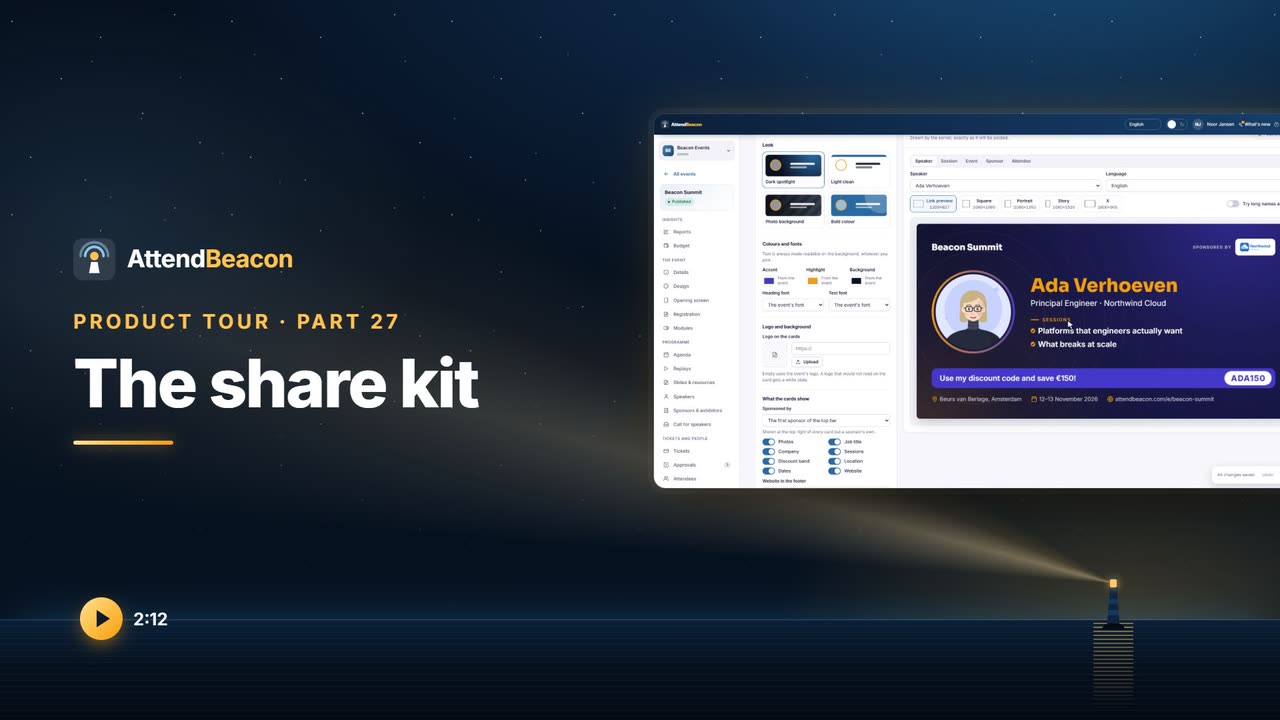
For attendees
 Length 1:52Part 5
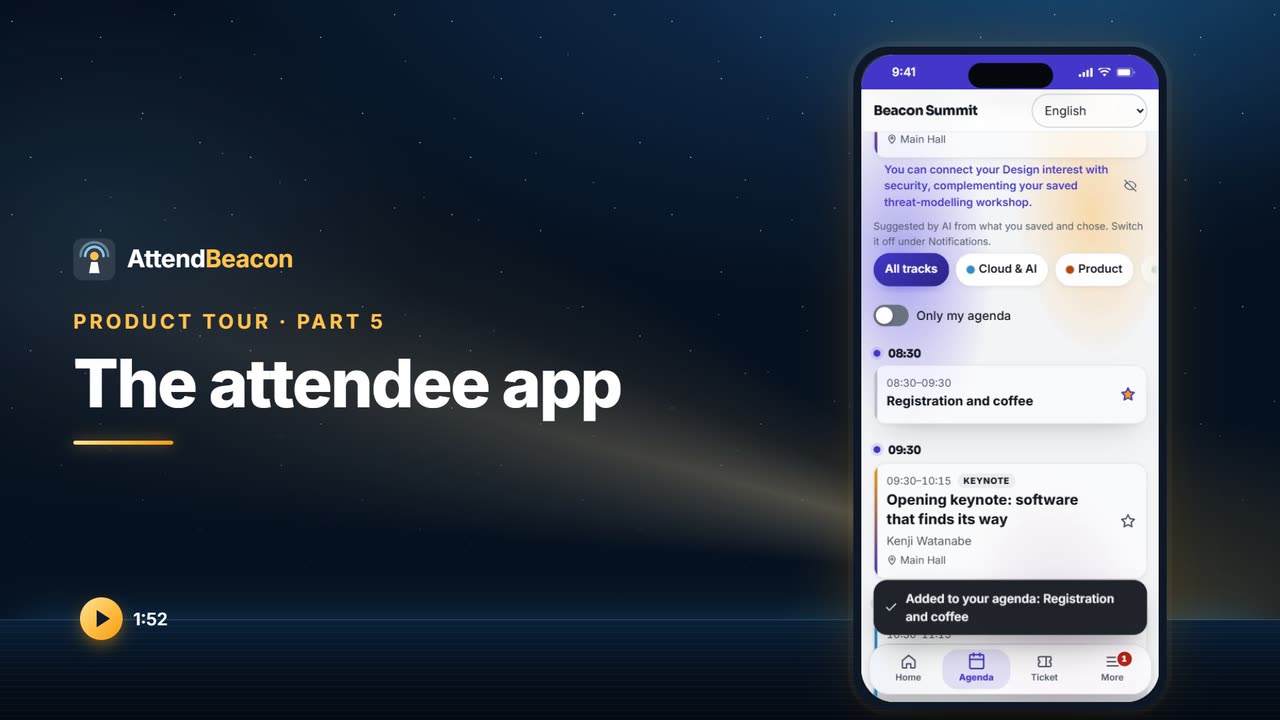
The attendee app
A tour of the AttendBeacon attendee app with Anna at Beacon Summit: home, the agenda and her own programme, a session, the ticket that works offline, and everything under More.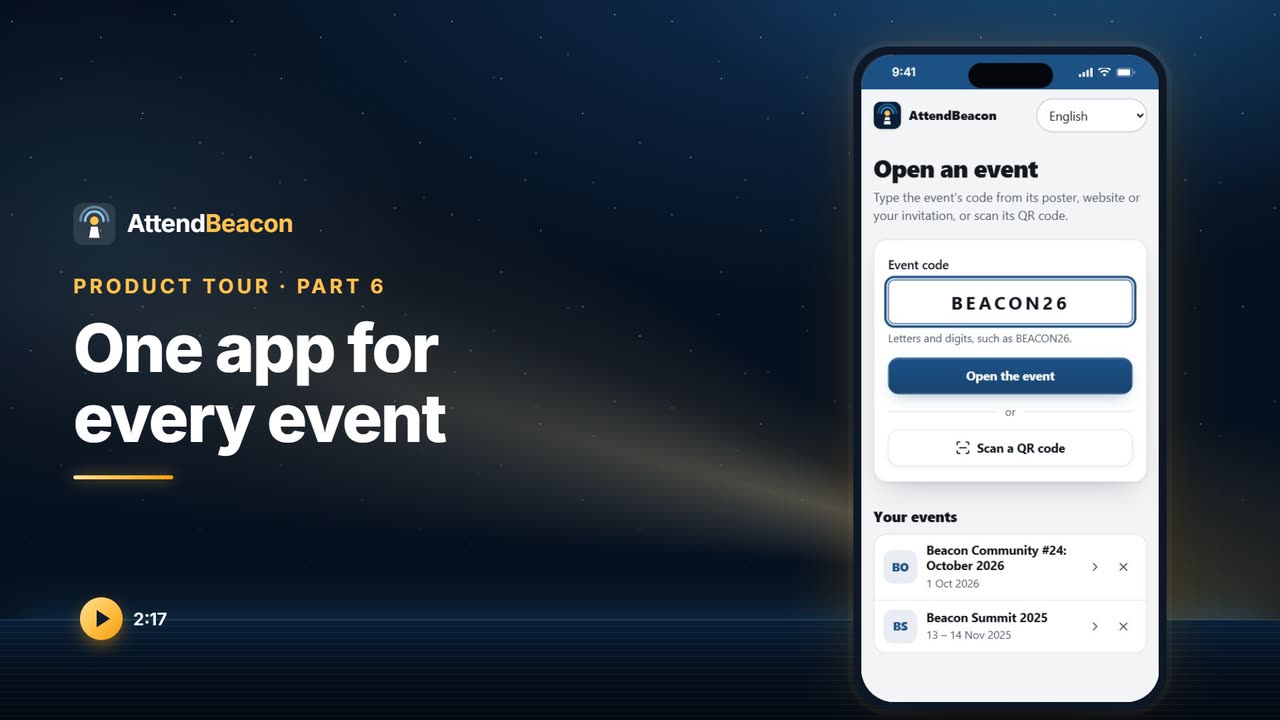 Length 2:17Part 6
One app for every event
Attendees install one AttendBeacon app, on iPhone, iPad, Apple Watch or Android, and open your event with its code or by scanning its poster. See the launcher, where the code and the poster live in your workspace, notifications, the ticket and switching between events.
Programme and speakers
 Length 2:50Part 7
The agenda: rooms, tracks and sessions
How Beacon Summit's programme is put together in AttendBeacon: rooms with their seats, tracks with a colour, sessions with their speakers and slides, the schedule grid where you drag sessions and clashes are refused, running late, each speaker's own link, join links for online and hybrid events, and replays afterwards. Length 2:38Part 8
The call for speakers
The call for speakers in AttendBeacon at Beacon Summit: the speaker hub with the call's own page, a speaker's proposals and the editor with its live preview; then the organisers' side with reviews, the selection board, decisions sent only when you choose, the confirmations with everything the venue needs, and the speaker portal every speaker gets. Length 2:44Part 22
Slides, resources and certificates
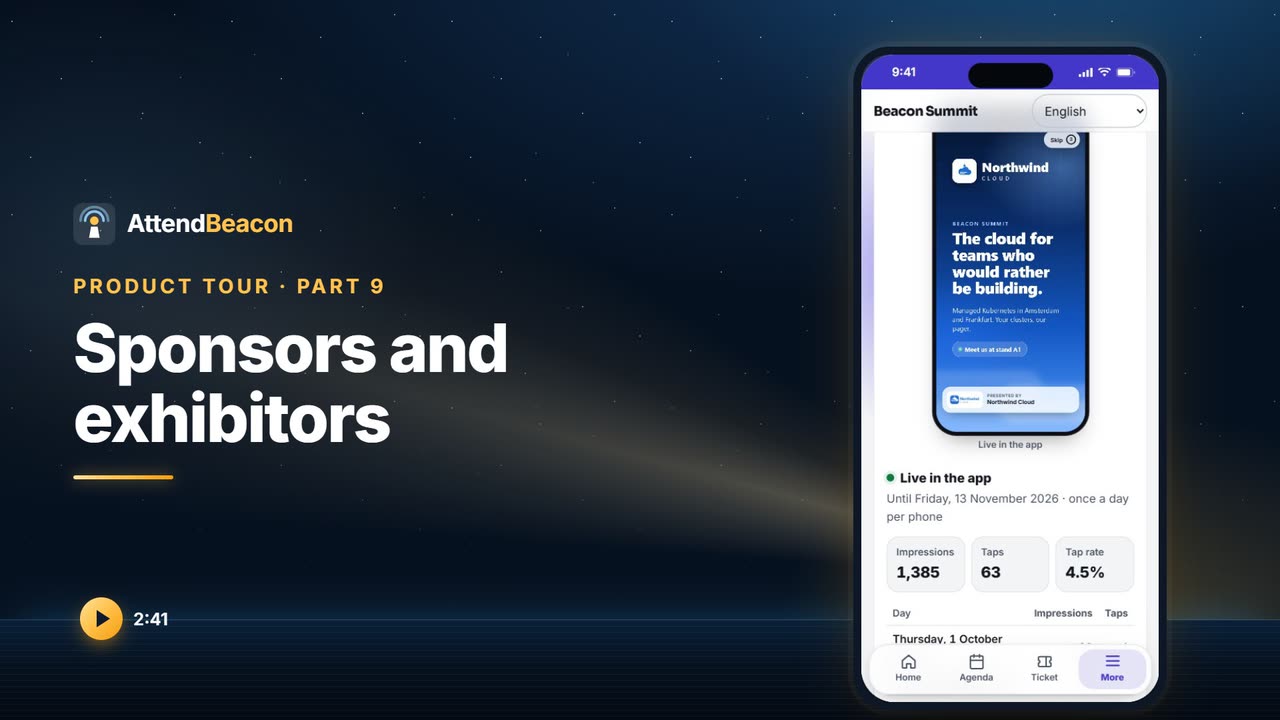
Speakers' slides and session content in AttendBeacon: who sees them and when, every speaker's consent, reminders to those who have not uploaded, and the content hub in the app. Then certificates of attendance with CPD credits from verified attendance, requirements, the certificate itself, and a public verification page per certificate.
On the day
 Length 2:29Part 10
Check-in at the door
How check-in works in AttendBeacon: doors with their own tickets and capacity, the scanner on any phone with green, amber and red and the reason why, sessions counted in and out, carrying on when the Wi-Fi drops, registering walk-ins at the door, and undoing a check-in made by mistake. Length 2:08Part 11
Printing badges
How to print badges in AttendBeacon: the badge list with what was printed, when and by whom; filters for ticket type, company, check-in and not printed yet; selecting all or a few; the preview in print order; reprinting one badge; printing from the browser on any printer; and the AttendBeacon Print Agent for Zebra and Brother label printers and for colour and DYMO printers through their drivers. Length 1:50Part 12
The badge designer
Design the badges for Beacon Summit: choose the stock, a layout, the background and the blocks on the front, give every role a colour band, and check the result with your attendees' own names, folded and unfolded, before you print. Length 2:25Part 13
Room screens and kiosks
Pair a television with the code it shows, choose what it shows in turn (now and next in its room, arrivals, the leaderboard, sponsors, a check-in code) and send announcements to every screen. Then a kiosk: a tablet at the door where attendees scan their ticket or find themselves, say this is me, and get their badge printed. Length 1:45Part 17
Venue maps
Upload a floor plan per floor and put pins on it for rooms, stands and facilities. Attendees get a map in the app with floors, filters, search and a list of every place, Show on map from a session or an exhibitor, and it keeps working offline. A room screen shows You are here, and the kiosk helps people find their way. Length 2:11Part 18
Crew and volunteers
Crew in AttendBeacon: invite volunteers with a free crew ticket, set the roles each may do, plan shifts at a door, a room or an area on the roster grid, and see on the day who is on duty. In the app, crew have their own area with their next shift, the briefing and a checklist. With volunteer self-scheduling they pick open shifts themselves, within your rules. Length 2:35Part 19
Hotel rooms for the people you host
Arrange and pay for hotel rooms for your speakers, crew, VIPs and sponsors' guests in AttendBeacon: hotels and the rooms they hold, a policy per role, the planning board with its warnings, assigning by hand or automatically, rooming lists with every version kept, and the guest's Your hotel page in the event app. Not a room block for attendees. Length 2:19Part 20
Travel, pickups and expense claims
Plan the journeys of the people you host in AttendBeacon: a travel plan per guest with flights and trains on their own clocks, the arrivals board and its warnings, pickup runs with a driver and a manifest, expense claims checked against a policy per role, and approved claims paid with one SEPA file. Hotel stays and booked journeys go into Apple and Google Wallet. Length 2:11Part 21
Catering and seating plans
Plan meals in AttendBeacon: who each meal is for, the numbers counted from registrations, add-ons, crew and speakers, everybody's dietary needs, a caterer's sheet and email that say what changed, seating plans filled in by your rules with table lists and place cards, and the attendee's own dietary choice and table in the event app. Length 1:59Part 37
Volunteer with us
Every event in AttendBeacon can have a public page where anybody can apply to volunteer, in the event's colours and their own language: what volunteers do, a preview of the shifts, and a form with days, roles, languages and your own questions, confirmed with an emailed code. Organisers review applications beside the shifts, with a cap and a waiting list, and accepting one makes the person crew with a crew ticket by email.
Engagement
 Length 2:22Part 14
Networking and chat
How attendees meet each other in the AttendBeacon app: a profile and a directory they opt in to, suggestions, connecting by scanning a badge, meetings at the organiser's tables, one-to-one chat with block and report, and the Networking page in your workspace. Length 2:27Part 15
Polls, questions, surveys and feedback
Live polls and questions per session in AttendBeacon, moderated from a laptop and shown on the room's screen; then session feedback from the people who were really there, sessions ranked by score, comments you can keep from speakers, each speaker's own anonymised report, the session survey's settings, and surveys before, during and after the event. Length 2:03Part 28
Points, prizes and the swag shop
Points in AttendBeacon: rules for coming in, sessions, stands, feedback, connections and codes, where once means once; sponsor challenges with a poster to print; the leaderboard in the app and on the screens; a fair prize draw kept on record; and the swag shop, where staff hand items over from the booth scanner and spending never lowers anybody's place. Length 2:12Part 32
Emails, notifications and announcements
How AttendBeacon talks to attendees: the automatic emails, your own emails to a chosen group in each person's language, push notifications that respect quiet hours, announcements on every screen and phone at once, and the inbox where questions sent with Ask the organisers are answered by your team.
Integrations
 Length 2:47Part 25
Integrations: your CRM, Teams, flows and the API
Connect an AttendBeacon workspace to the rest of your software: CRM sync with Dynamics 365 and Customer Insights - Journeys, Salesforce and HubSpot, chosen per event and visible on every attendee; alerts in Teams and Slack; Power Automate and Zapier; and signed webhooks and the REST API with its keys. Length 2:04Part 33
Your bookkeeping, done for you
AttendBeacon books every invoice, credit note, payment, refund and chargeback in your own administration: Exact Online, Moneybird, Xero or QuickBooks Online. See each document and where it stands, why a package refused one, the mapping of revenue accounts, VAT codes and payment accounts that Auto-detect proposes, which events are booked with a project of their own, and the log. Length 1:49Part 34
Keep selling on Eventbrite
Sell tickets on Eventbrite or Ticket Tailor and run the rest of the event in AttendBeacon. Every order, cancellation, refund and name change comes in by itself, through webhooks, a poll every few minutes and a nightly read. Synced tickets and orders are marked Managed in Eventbrite and stay read-only, a refund there cancels the ticket here, and the platform's own barcodes scan at your door. Length 1:59Part 35
Email from your own domain, and your mailing lists
Send emails about your events from your own domain: AttendBeacon makes a signing key, lists the SPF, DKIM, Domain Lockdown and DMARC records to add, and verifies them; per event you choose the address, and mail falls back to AttendBeacon's own address when something is wrong. And keep Mailchimp and Brevo in step with the people who registered and agreed to hear from you, with a consent question per event, merge fields and tags, unsubscribes coming back, and Delete my data removing them there too. Length 2:08Part 36
Members only
Use the member list you already keep, in a Google Sheet, an Airtable table or a list in your CRM, for members-only ticket types and an automatic member discount. AttendBeacon keeps only fingerprints of addresses and member numbers. At registration a member proves it with an emailed code or a member number and last name, and a live copy keeps every registration in a sheet or table. Pipedrive and Zoho CRM now join Dynamics 365, Salesforce and HubSpot.
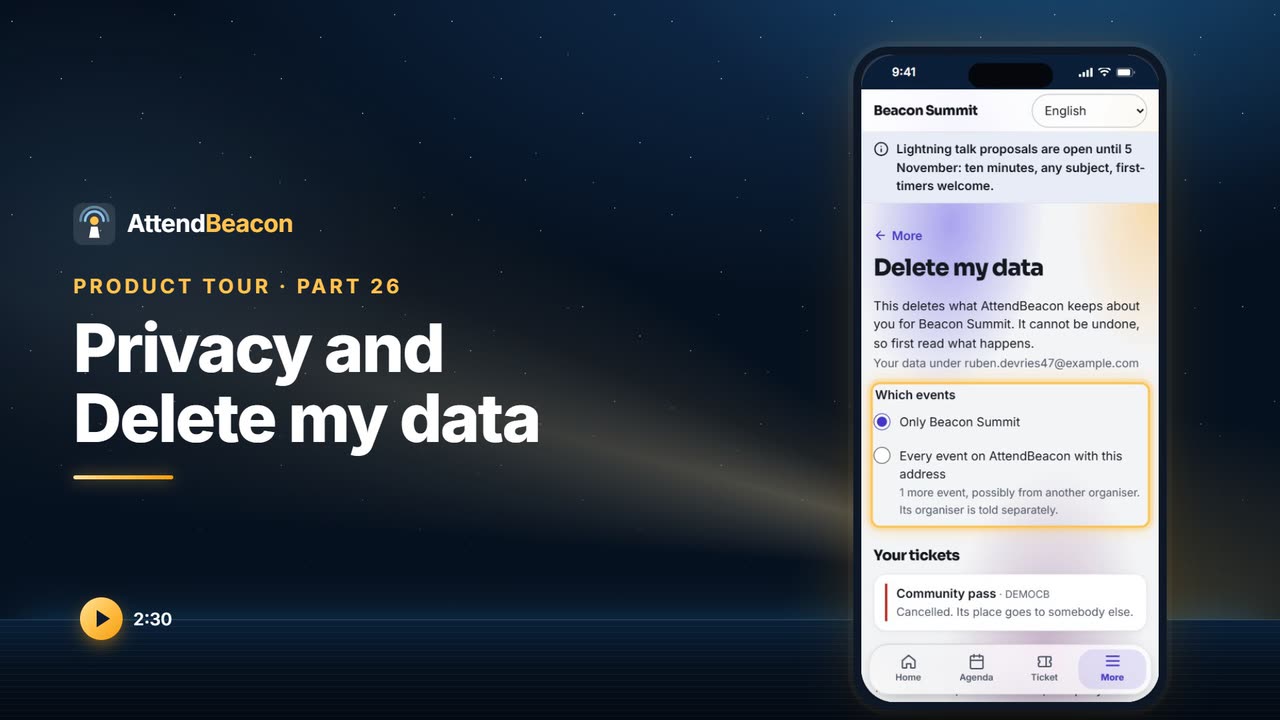
The data in these videos is made up: Beacon Summit is the demonstration event.
Seen enough? Try it yourself.
Click through the demonstration event as an attendee would, or open the workspace and start your own.